
Emergency stop switch
 | |
|---|---|
Do not use the EMERGENCY STOP switch except in an emergency. Frequent use of this button for purposes, such as stopping operation, may cause malfunction.When pressed in an emergency, all operations can be stopped. |
Operation
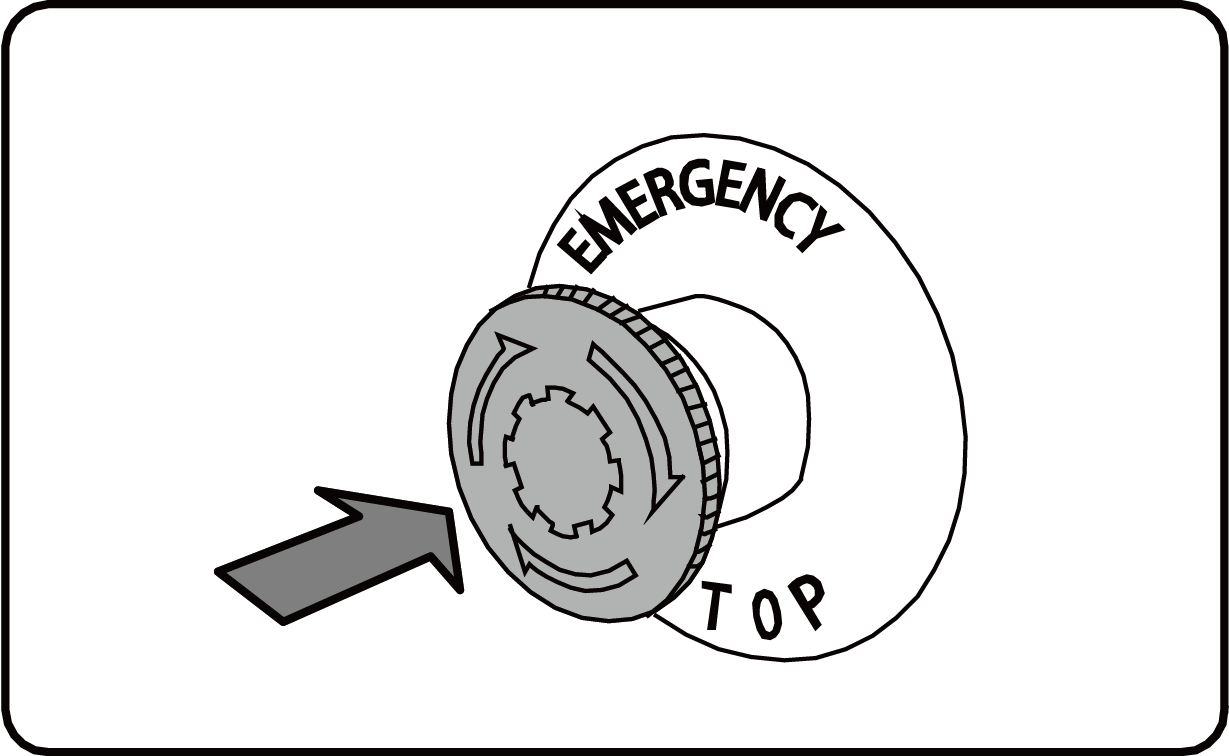
1 | Push in the EMERGENCY STOP switch.The switch stops at the pressed position and all operation stops. |
|
2 | Eliminate the cause. | |
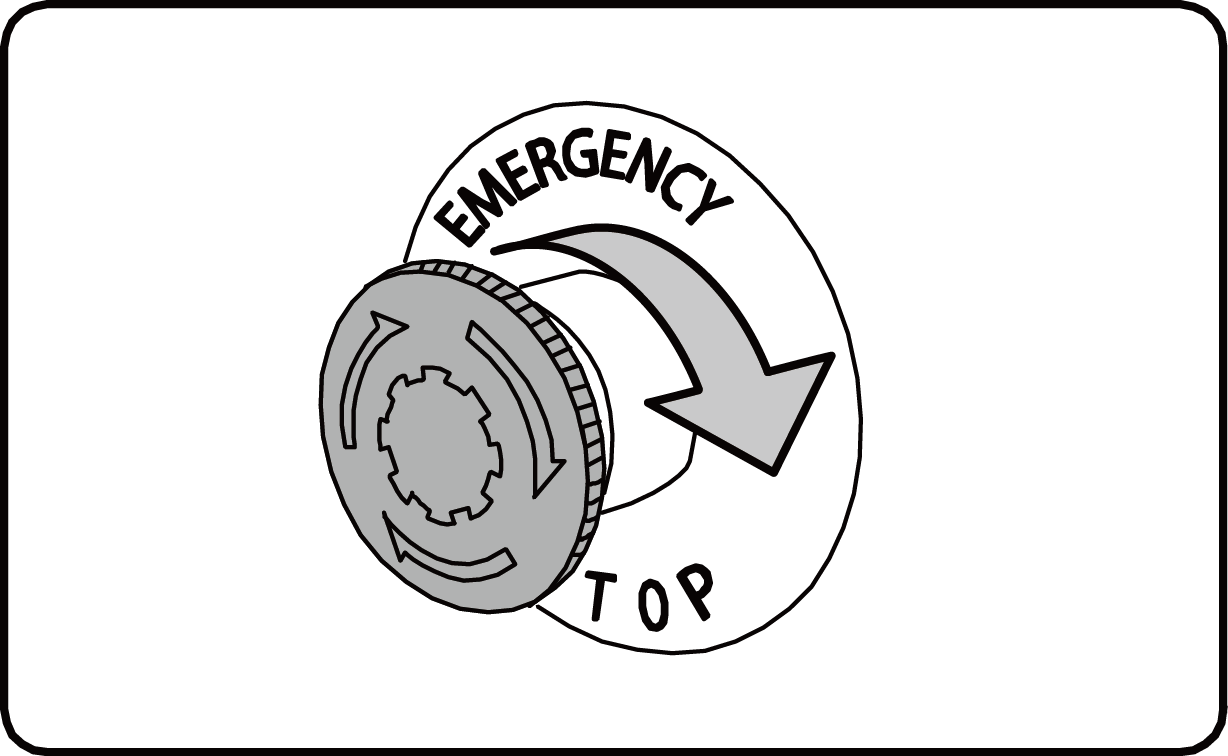
3 | Turn the EMERGENCY STOP switch to the right.The machine will return to an operation-ready state. |
|
4 | Resume operation by following the "Operation Procedures" (* 1). |
* 1 Operation