Self checking
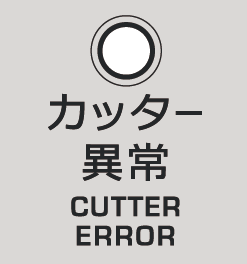
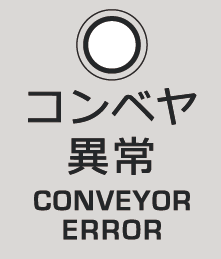
When an error occurs in the inverter of the cutter / conveyor, the error lamp turns ON and the machine automatically stops operation. Clear the error cause, and restore the machine according to the following procedures.
Error indications | Causes | Solutions | |
|---|---|---|---|
“カッター異常” lamp | When there is overload to the cutter, etc. | ||
| ON | Cutter inverter error | 1. Remove clogged food. 2. Press the 異常復帰 switch. 3. If the machine can not restore, contact AIHO Corporation. (There might be other causes besides overload.) |
Flash | Signal mismatch between control board and inverter | Contact AIHO Corporation. (Either the board, inverter, or wiring might be defective.) | |
“コンベヤ異常” lamp | When there is overload to the conveyors, etc. | ||
| ON | Conveyor inverter error | 1. Remove clogged food. 2. Press the 異常復帰 switch. 3. If the machine can not restore, contact AIHO Corporation. (There might be other causes than overload.) |
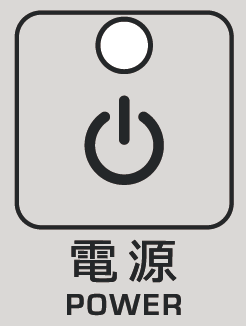
“電源” lamp | Contacts inside the control board have welded., etc. | ||
| Flash | Input error lasts over 30 seconds | 1. Pull out the power plug from the electric outlet. 2. Insert the power plug into the electric outlet. 3. Wait for 30 seconds 4. If the “電源” lamp flashes again, contact AIHO Corporation. |